Releases and deployment #
With branching, every deployment package belongs to exactly one branch. Packages pin a specific version of each element, so scripts are generated from a known state of that branch.
Deployment Packages page #
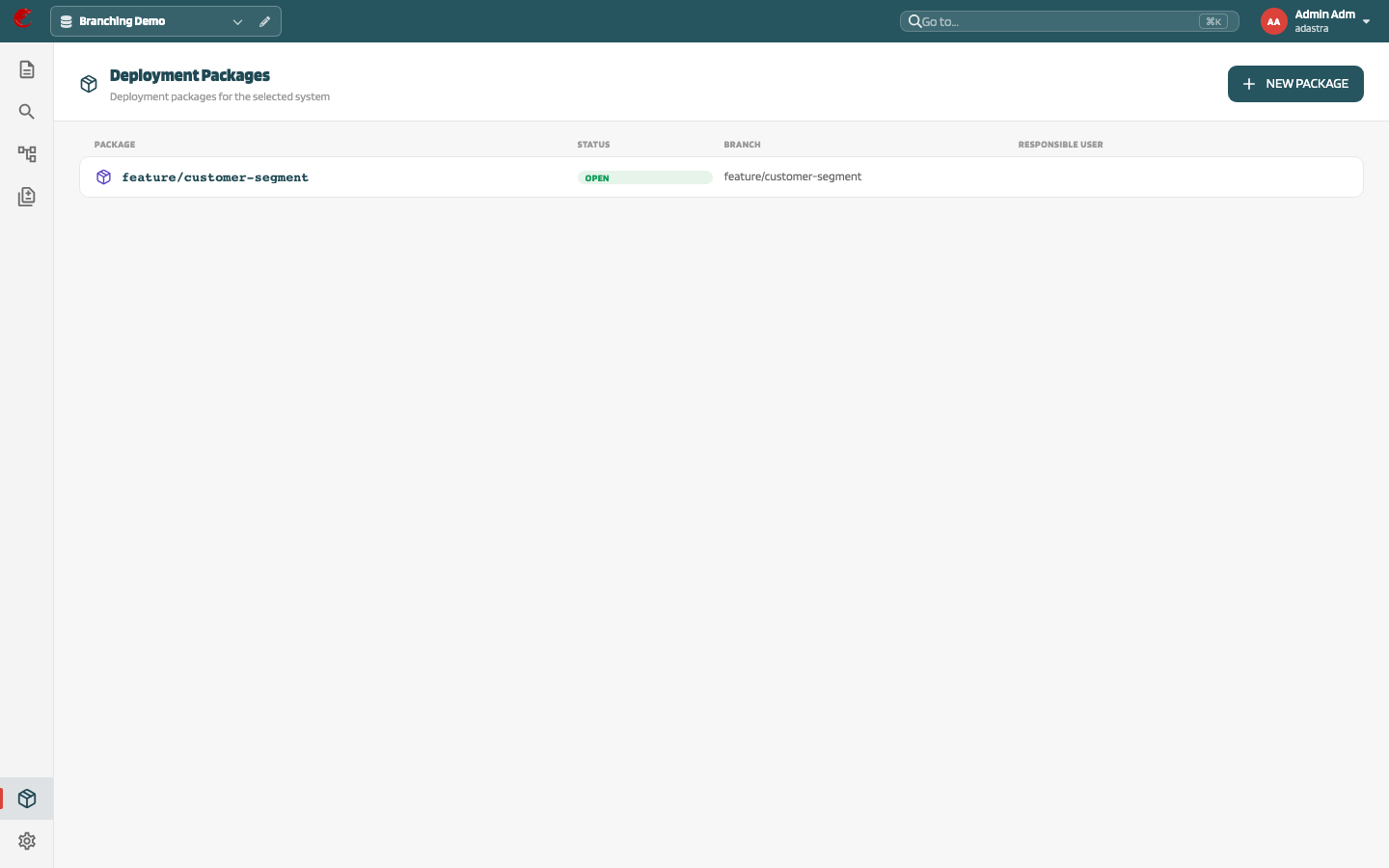
Open Deployment Packages from the activity bar. The page lists packages of the selected system with columns Package, Branch, Status, Responsible user.
New package #
New package opens New deployment package:
| Field | Description |
|---|---|
| System | Selected system |
| Package name | Required |
| Source branch | Branch the package belongs to; defaults to the active branch (Select a branch before creating a deployment package.) |
| Responsible user | Owner of the package |
| Description | Optional |
Package detail #
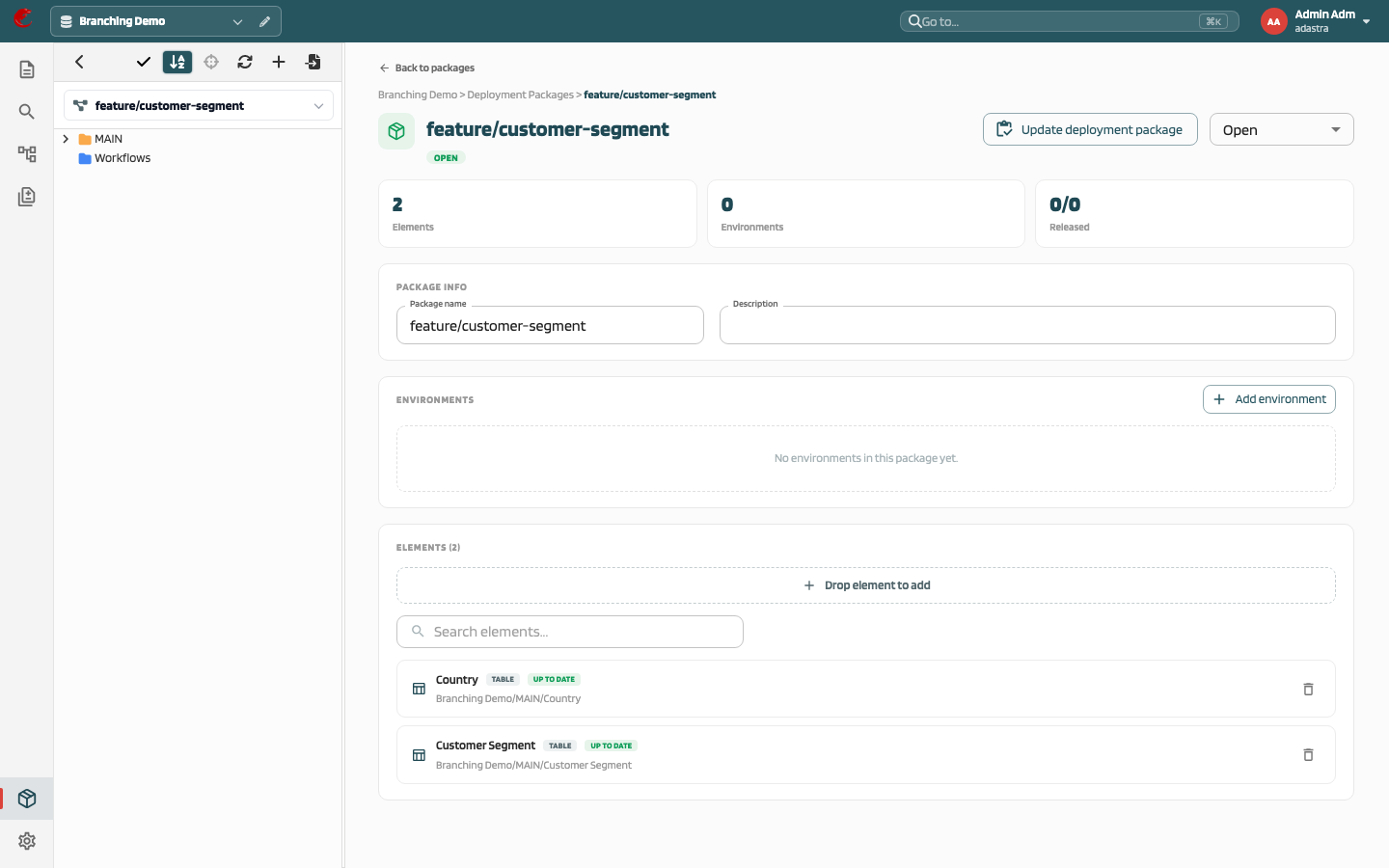
- Package info: name and description (editable)
- Status: Open, Completed, Cancelled. Completed and cancelled packages are locked.
- Elements: drag elements from the project tree onto the drop zone, or Add element; remove with Remove. Each element shows its pinned version and whether it is Up to date or Out of date compared with the branch, plus Pushed v{n} / Deployed v{n} / Not deployed.
- Environments: Add environment, then per environment Push to git, Generate scripts, Edit, Remove; Released / Release date.
Script generation, push to Git, and deployment run as background tasks with progress.
Update deployment package from a branch #
Update deployment package on the branch detail (and in the package header):
- finds the branch’s Open package, or creates one named after the branch
- adds every element changed on the branch (own version, moved, or deleted) with its current branch version
Each branch has at most one Open package. Use this action before generating scripts so the package reflects the branch.
Create a branch from a package #
Status: API only.POST /v2/system/{systemId}/branchwithsourceReleaseId.
The new branch starts from the element versions pinned in the package. Such a branch cannot be rebased onto a parent.
Releases and Deployment Dashboard (Preview) #
When preview pages are enabled, the activity bar also shows:
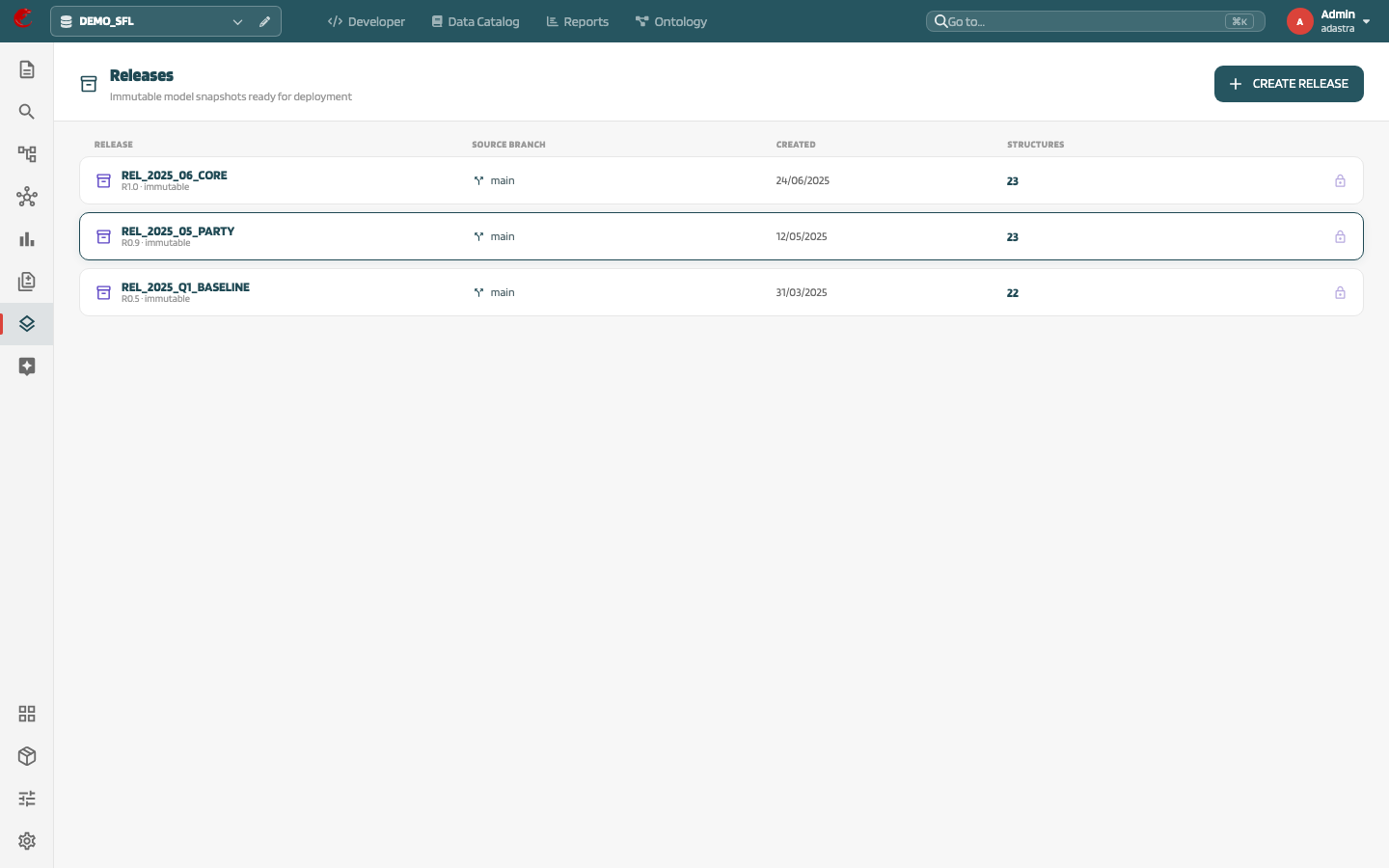
- Releases — immutable snapshots of a branch with a deploy wizard
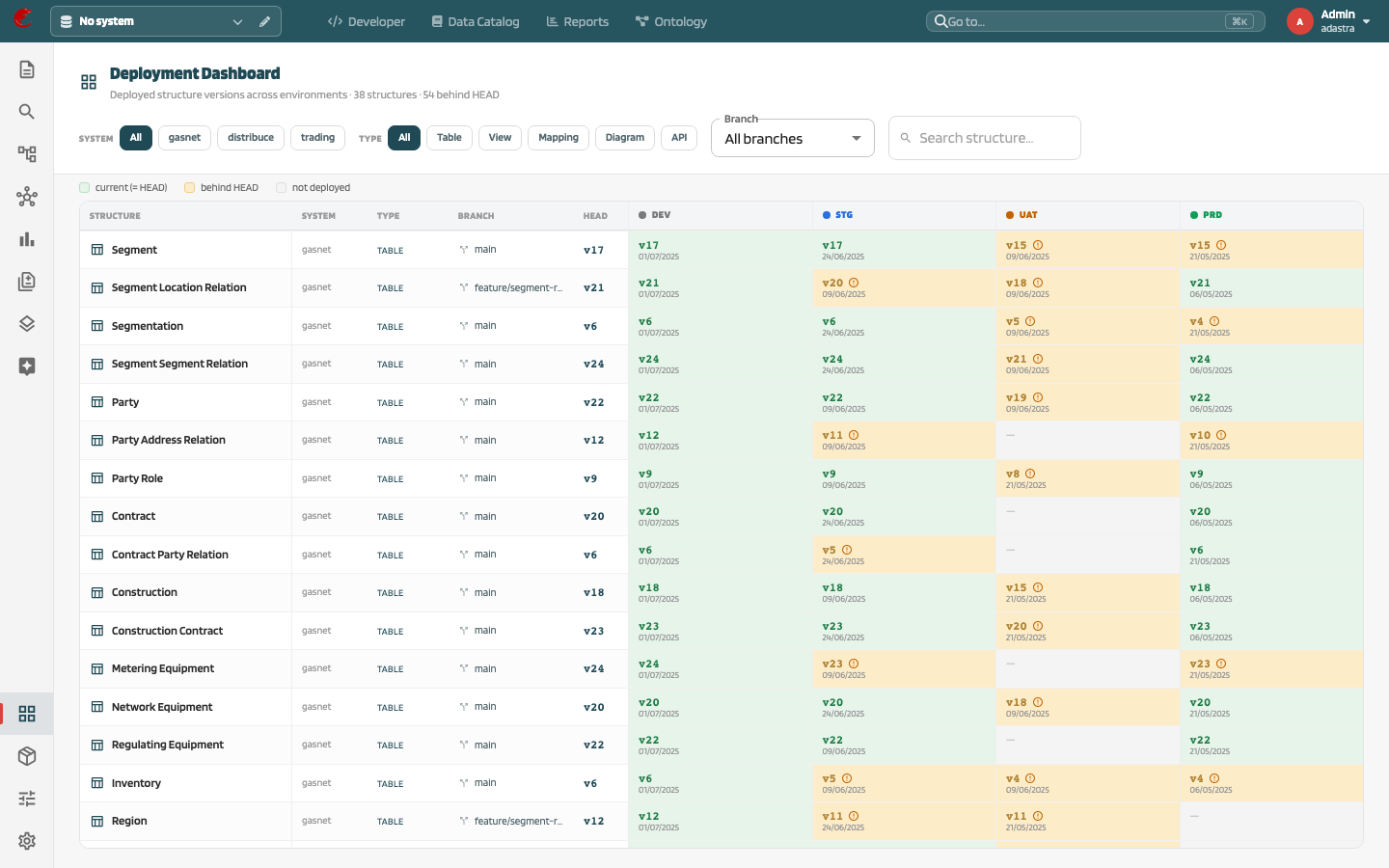
- Deployment Dashboard — structures × environments matrix with versions behind HEAD
Both pages use sample data and do not call the backend.